

Advertising screen management for retail stores and storefronts
One dashboard for the screens in your window and on the shop floor. Run each campaign on your calendar, and let the content leave the screen on its own when the campaign ends.
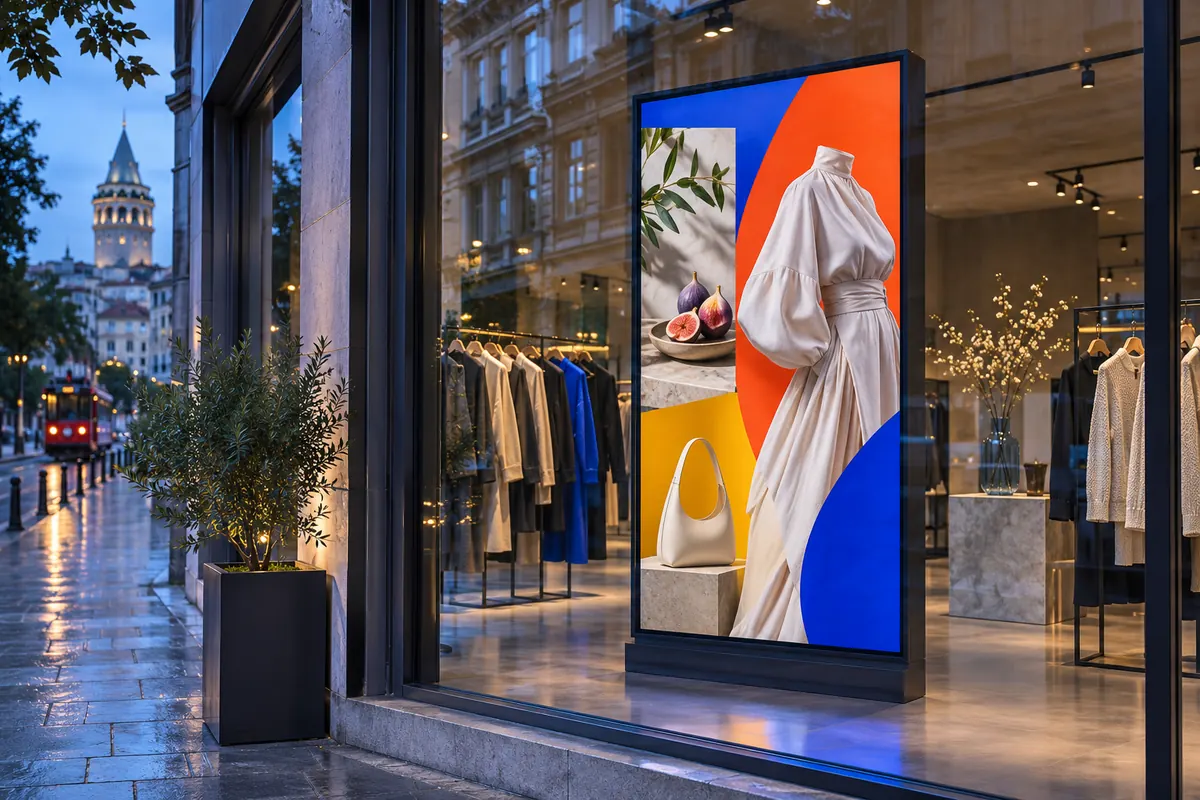
What is retail advertising screen management?
Retail advertising screen management means publishing promotions, discounts and product videos to window and in-store screens from a single dashboard. In OmrarCast you give a campaign a start and end date; it goes live when its time comes and drops off when it ends. The proof-of-play report shows how many times each item played on each screen and exports to CSV.
Familiar problems
- The sale ended but the window still shows the old discount
- Every store shows something different and nobody knows who is playing what
- No way to prove to a brand partner that their ad really ran
- Video files that will not play because of the format
A sample day
Set your playlists up once, and the screen switches by itself when the time comes.
- New-season product videos
- Evening deals and window promotion
- Weekend offers
Using OmrarCast for retail advertising screens
Campaign calendar
Set a schedule with start and end dates. A campaign goes live on its day and leaves the screen by itself when it ends.
Proof-of-play report
Report how many times each video played in each store, and send the CSV to your brand partner.
Regional content
Group stores by region and send a city or mall-specific campaign to that group only.
Video in any format
Upload the agency's video as it is. It is converted automatically to a format your screens can play.
Questions about retail advertising screens
What do you recommend for a screen in direct sunlight?
For window-facing screens choose a high-brightness professional display. From the dashboard you can lower the brightness for the night hours.
How do I get the report?
On the Reports page, choose a date range and screens, then download the result as CSV.
Price: $120 per screen per year or $14 per month. See pricing
Works out to just $10/month
Related guides and pages
Put your first screen live today
Free for 30 days on up to 2 screens. No credit card required, and if you get stuck during setup we help you remotely.