Digital menu board software for restaurants and cafes
Run every menu screen from one dashboard. Change a price once instead of walking a USB stick to each TV, and let the menu switch by itself at meal times.
What is a digital menu board and how does a restaurant use it?
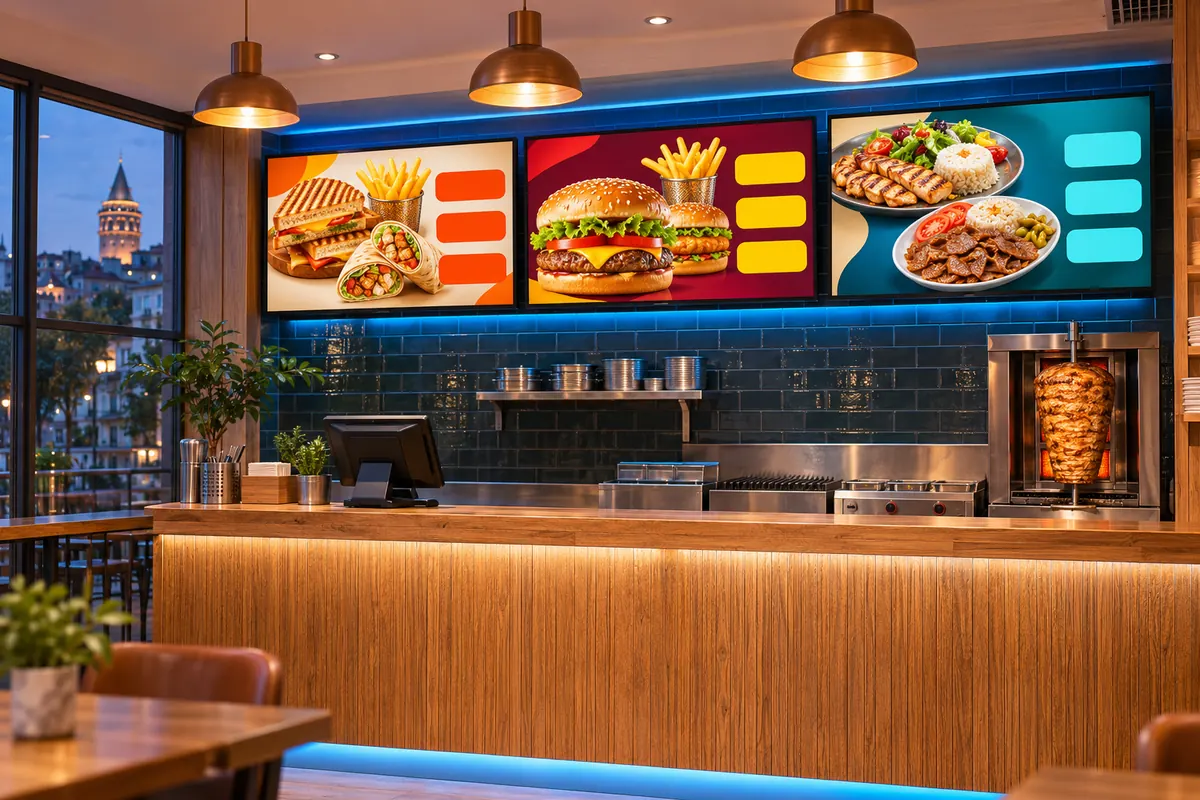
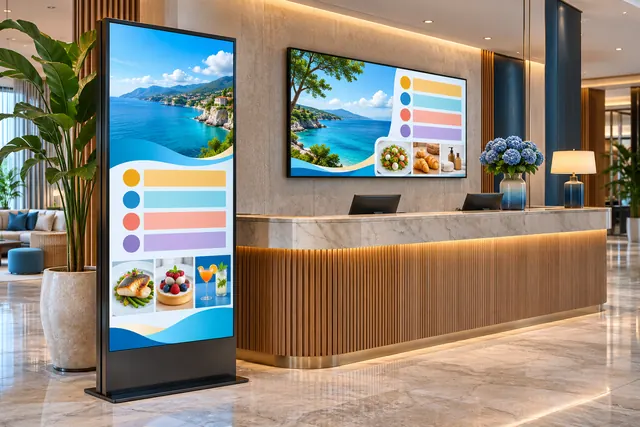
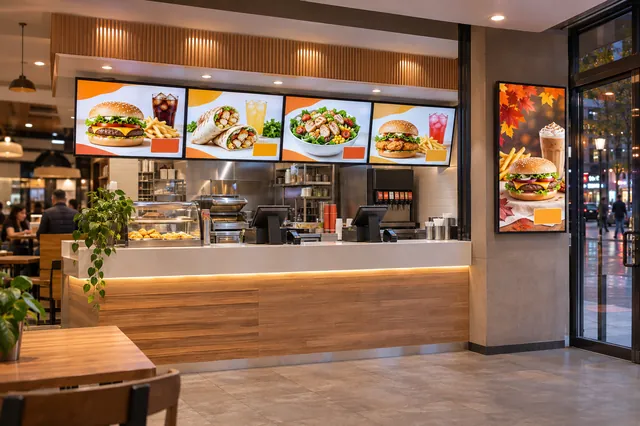
A digital menu board is a TV or monitor in a restaurant or cafe that shows the menu, prices and promotions and is managed remotely. With OmrarCast you change a price once in the dashboard, and breakfast, lunch and dinner menus rotate automatically on their time windows. It costs $120 per screen per year, with the first 30 days free for up to 2 screens.
Familiar problems
- Carrying USB sticks to every screen when a price changes
- The breakfast menu still showing at lunchtime
- Branches running different, out-of-date menus
- A black screen when the internet goes down
A sample day
Set your playlists up once, and the screen switches by itself when the time comes.
- Breakfast menu
- Lunch menu and dish of the day
- Dinner menu and dessert promotion
Using OmrarCast for restaurant menu boards
Menus by meal period
Define breakfast, lunch and dinner lists with time windows. The screen switches as soon as the time comes.
Today's special
Slip a promotion image or a short video between menu screens, and remove it from the playlist when the offer ends.
All branches at once
Group your branches, push a new menu to all of them in one go and add content for a specific branch only.
Uninterrupted playback
If the connection drops, the screen keeps showing the last menu, so service never runs on a blank screen.
Questions about restaurant menu boards
Can I design the menu myself?
Yes. Create your menu in a tool like Canva or with your designer as an image or video and upload it. If you prefer, we design it for you ($50 per design, 2 revisions included), and with the Content management plan we also do the uploading and scheduling.
Can I use a portrait screen?
Yes. Mount the screen in portrait and prepare portrait content; the player uses the whole screen.
Price: $120 per screen per year or $14 per month. See pricing
Works out to just $10/month
Related guides and pages
Put your first screen live today
Free for 30 days on up to 2 screens. No credit card required, and if you get stuck during setup we help you remotely.