

Multi-location digital signage for chains and franchises
Send content from head office to hundreds of locations from one dashboard. Region and branch groups, branch-specific price lists, menus by time of day and proof-of-play reports keep your whole screen network in one place.
What is multi-location digital signage?
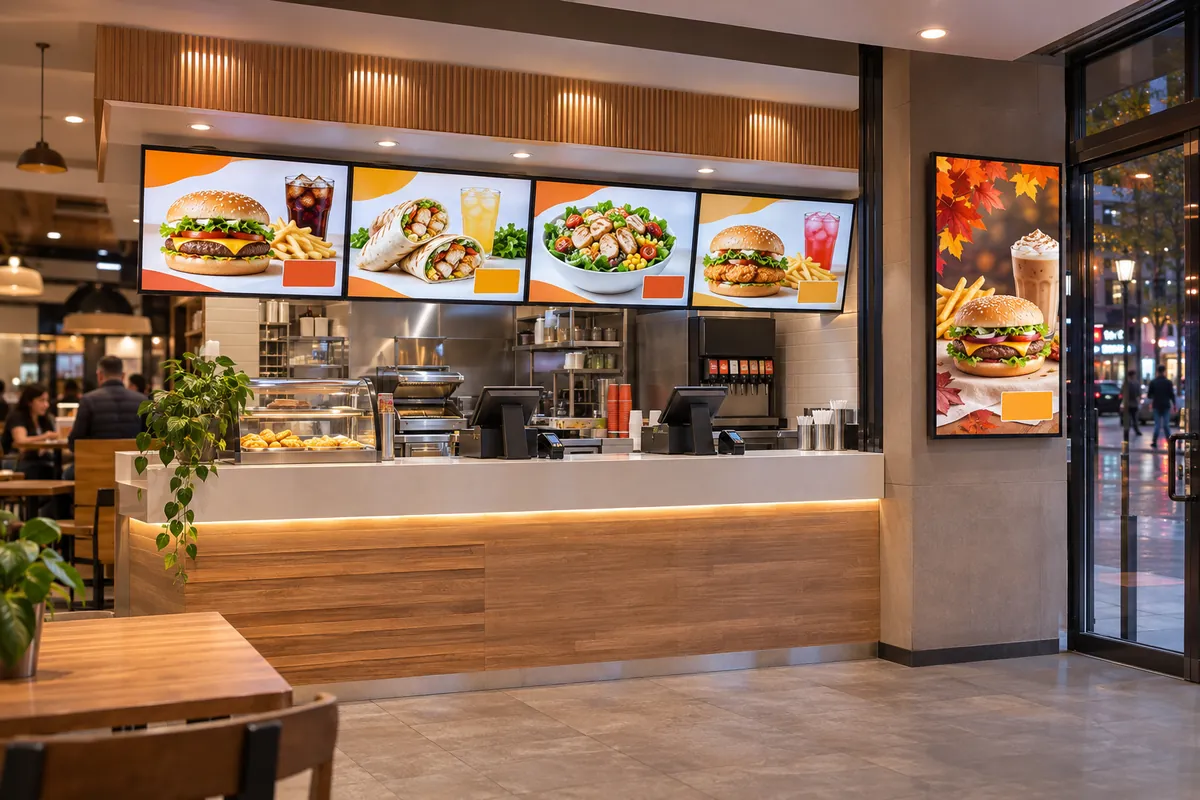
Multi-location digital signage means a chain or franchise network manages the menu, advertising and notice screens in every location centrally, from one dashboard. In OmrarCast you group locations in a region → branch tree, assign shared content to the upper group and branch-specific content to the lower one. Every screen stores its content on the device, so playback continues when the internet drops; it costs $120 per screen per year, with a custom quote for 50 or more screens.
Familiar problems
- The new menu is ready at head office but reaches locations weeks later
- Every branch manager runs the screens their own way
- Regional prices mean building artwork one location at a time
- Nobody knows which branches actually played the campaign
- A screen going dark when one location loses its internet
A sample day
Set your playlists up once, and the screen switches by itself when the time comes.
- New menu live in the pilot branch group
- Checks passed, assigned to the region group
- New menu in every location, old menu removed from the playlist
Using OmrarCast for multi-location digital signage
Region → branch group tree
Nest locations by region, city and branch. Content assigned to an upper group flows down to every branch below it, and the nearest group's assignment wins.
Scheduled by time and date
Define breakfast, lunch and dinner menus and campaign start and end dates once at head office; each branch switches on its own time zone.
Branch-specific prices and menus
Keep price lists in the product catalogue and assign each branch group its own list. The price board shows that branch's prices on screen.
Staged roll-out
Assign a new menu to a pilot branch group first, check it on the screens, then roll it out to a region or the whole network.
Screens on the same network
The dashboard groups screens that share an internet connection, so when a location has a connection problem you see at once which screens are affected.
Built to keep playing offline
Every screen keeps its latest playlist and media on the device. If a location loses its internet the menu stays up, and changes arrive as soon as the connection returns.
Proof of play by location
Report how many times each campaign played on each screen in each location, and share the CSV with your brand or franchise partners.
Connect your own systems by API
Manage screens, media, playlists and product prices from your POS, ERP or content system with the REST API.
Questions about multi-location digital signage
Can franchise locations manage their own content?
You can invite the branch manager to your team with the editor role. Head office assigns the shared playlist to the upper group; when a branch-specific playlist is assigned to a branch group, it replaces the upper group's playlist in that branch. For tighter control, branches send content to head office and head office publishes it.
How do you set up hundreds of screens?
On each screen the player address is opened and the code shown on screen is entered in the dashboard; no IT team is needed. Samsung commercial displays run our own app. We plan the roll-out with you remotely, location by location.
How is a chain priced?
It costs $120 per screen per year. For 50 or more screens we prepare a quote based on your screen count and service needs.
Can prices from our POS or ERP reach the screens?
Yes. Send product prices in bulk through the REST API or import them from Excel or CSV. The price board updates the new price on screen by itself, so you do not have to rebuild the menu artwork.
Price: $120 per screen per year or $14 per month. See pricing
Works out to just $10/month
Put your first screen live today
Free for 30 days on up to 2 screens. No credit card required, and if you get stuck during setup we help you remotely.