Hotel lobby screen software for lobbies and reception areas
Manage the screens that welcome guests and show restaurant hours and the day's events from one place. Your front-desk team changes content without waiting for IT.
What is hotel lobby screen software used for?
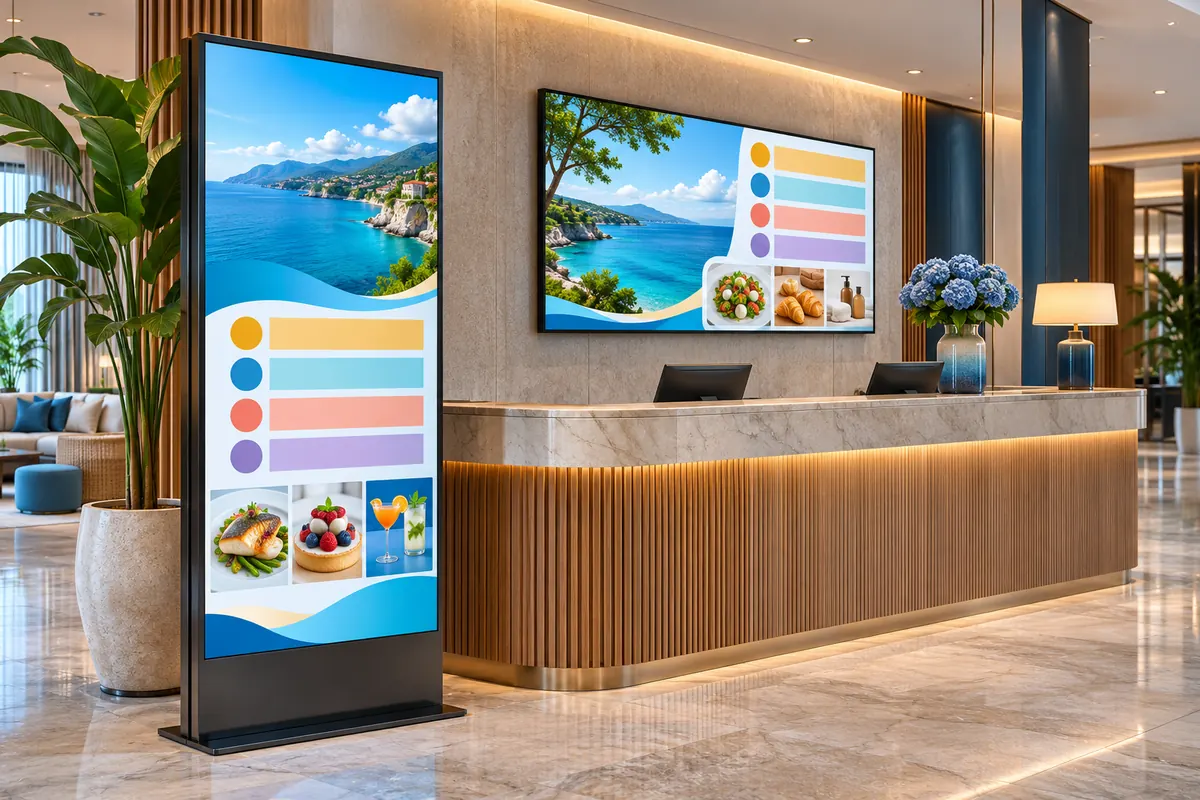
Hotel lobby screen software lets you send welcome messages, programmes and promotions to the screens in your lobby, reception, restaurant and event areas from one dashboard. In OmrarCast you manage each area as its own group, schedule event and breakfast times and dim brightness remotely at night. It costs $120 per screen per year.
Familiar problems
- The event programme changed but the lobby screen still shows the old one
- Restaurant, spa and lobby screens each managed separately
- A custom welcome screen for a meeting room takes too much effort
- Screens that are far too bright at night
A sample day
Set your playlists up once, and the screen switches by itself when the time comes.
- Breakfast hours and weather image
- Tours, spa and restaurant promotion
- Evening event programme
Using OmrarCast for hotel lobby screens
Welcome screens
Publish a custom welcome image for a group or conference guest on the dates they stay.
Groups by area
Manage the lobby, restaurant, spa and meeting floors as separate groups.
Programme of the day
Show breakfast hours, evening events and tour times with scheduled playlists.
Night brightness
Dim the lobby screens at night with a remote brightness command and bring them back in the morning.
Questions about hotel lobby screens
Can I use it on in-room TVs too?
OmrarCast is designed for public-area screens. It works on in-room TVs if they can open a browser, but it does not replace a hotel TV system.
Can different departments manage their own screens?
Yes. Invite team members and give them editor or viewer access.
Price: $120 per screen per year or $14 per month. See pricing
Works out to just $10/month
Related guides and pages
Put your first screen live today
Free for 30 days on up to 2 screens. No credit card required, and if you get stuck during setup we help you remotely.