

Waiting room TV and screen management for clinics
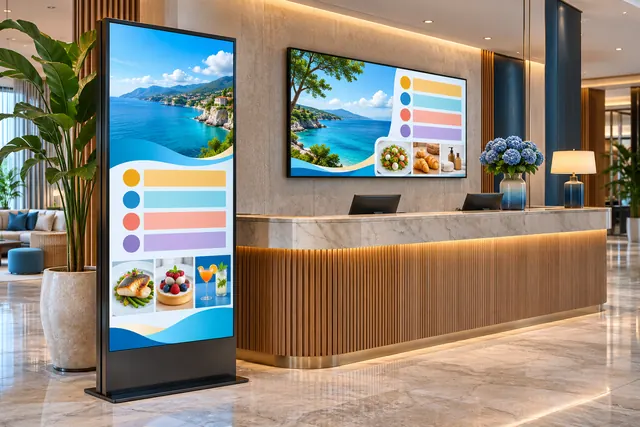
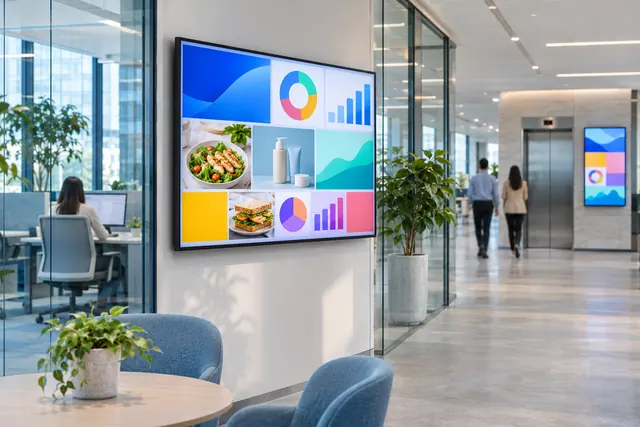
Instead of random TV channels, show your own services, patient information and announcements on the waiting room screen. You manage everything from the dashboard.

How do you run a clinic waiting room TV?
To show your own services, announcements and information on a waiting room screen, open the OmrarCast player address in the screen's browser and pair it with your dashboard. Then upload images, set time windows and play videos muted. Reception staff can change content from the dashboard without technical knowledge.
Familiar problems
- Random TV programmes distracting people in the waiting room
- Holiday and opening-hour notices taped to the wall on paper
- New services that patients never hear about
- No technical staff to look after the screen
A sample day
Set your playlists up once, and the screen switches by itself when the time comes.
- Morning information content
- Lunch-break notice
- Service promotions
Using OmrarCast for clinic waiting room TV
Service promotion
Explain the treatments and services you offer with clean, simple visuals.
Announcements
Publish holiday closures, new opening hours or a new practitioner for the dates that matter.
Muted playback
Play videos muted so the calm of the waiting room is never disturbed.
Easy management
Reception staff can upload an image and assign it to the screen; no technical knowledge needed.
Questions about clinic waiting room TV
Is patient information shown on the screen?
No. OmrarCast only plays the images and videos you upload; it does not connect to your patient record systems.
Can I manage several clinics?
Yes. Define each clinic as a group and publish shared or clinic-specific content.
Price: $120 per screen per year or $14 per month. See pricing
Works out to just $10/month
Related guides and pages



Put your first screen live today
Free for 30 days on up to 2 screens. No credit card required, and if you get stuck during setup we help you remotely.